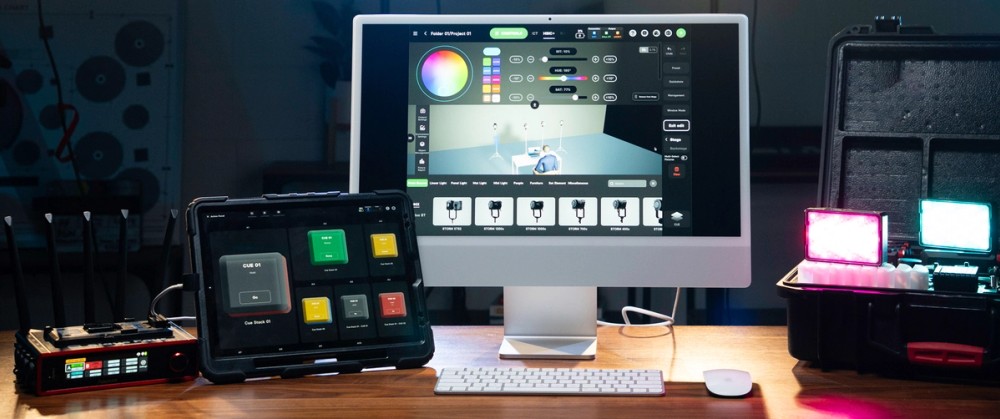
Enhanced Pixel Tools are new controls in Sidus Link Pro 2.4.2 designed to make programming pixelated fixtures faster. This includes:
- Press, hold, and drag selection
- Shortcuts for all, odd, even, first half, second half, and inverted selections
- Automatic color gradients
- Control Fixtures Together / Separately / Continuously toggle for multiple selected pixelated fixtures
- Customizable pixel layout support in DMX Profile Building for INFINIMATs
For fixtures with many individually controllable pixels, that means fewer repetitive selections and less manual programming when building gradients, patterns, and effects across one or multiple lights.
Enhanced Pixel Tools support pixelated fixtures including INFINIBAR, NOVA 9°, and INFINIMAT. Pixel control is available in the Pro plan for $10/month (because pixel control is DMX only), with MAX adding support for 4 universes of control.
Faster Pixel Selection Using Shortcuts
Sidus Link Pro 2.4.2 adds new shortcuts for selecting pixels, including:
- All
- Odd
- Even
- First half
- Second half
- Invert
You can also press, hold, and drag to quickly create custom pixel selections.
These tools make it easier to build alternating colors, repeating patterns, and other pixel effects without selecting every pixel manually.
Control Multiple Pixel Fixtures Together, Separately, and Continuously
When multiple pixelated fixtures are selected, a new Control Fixtures Together / Separately / Continuously toggle gives you more control over how edits are applied.
- Control Fixtures Together mirrors the same pixel changes across every selected fixture
- Control Fixtures Separately lets you program pixelated fixtures independently
- Control Fixtures Continuously allows for one total gradient across multiple fixtures
Combined with tools like Invert Selection and Cue Sequence, this makes it faster to build coordinated pixel effects across multiple lights.
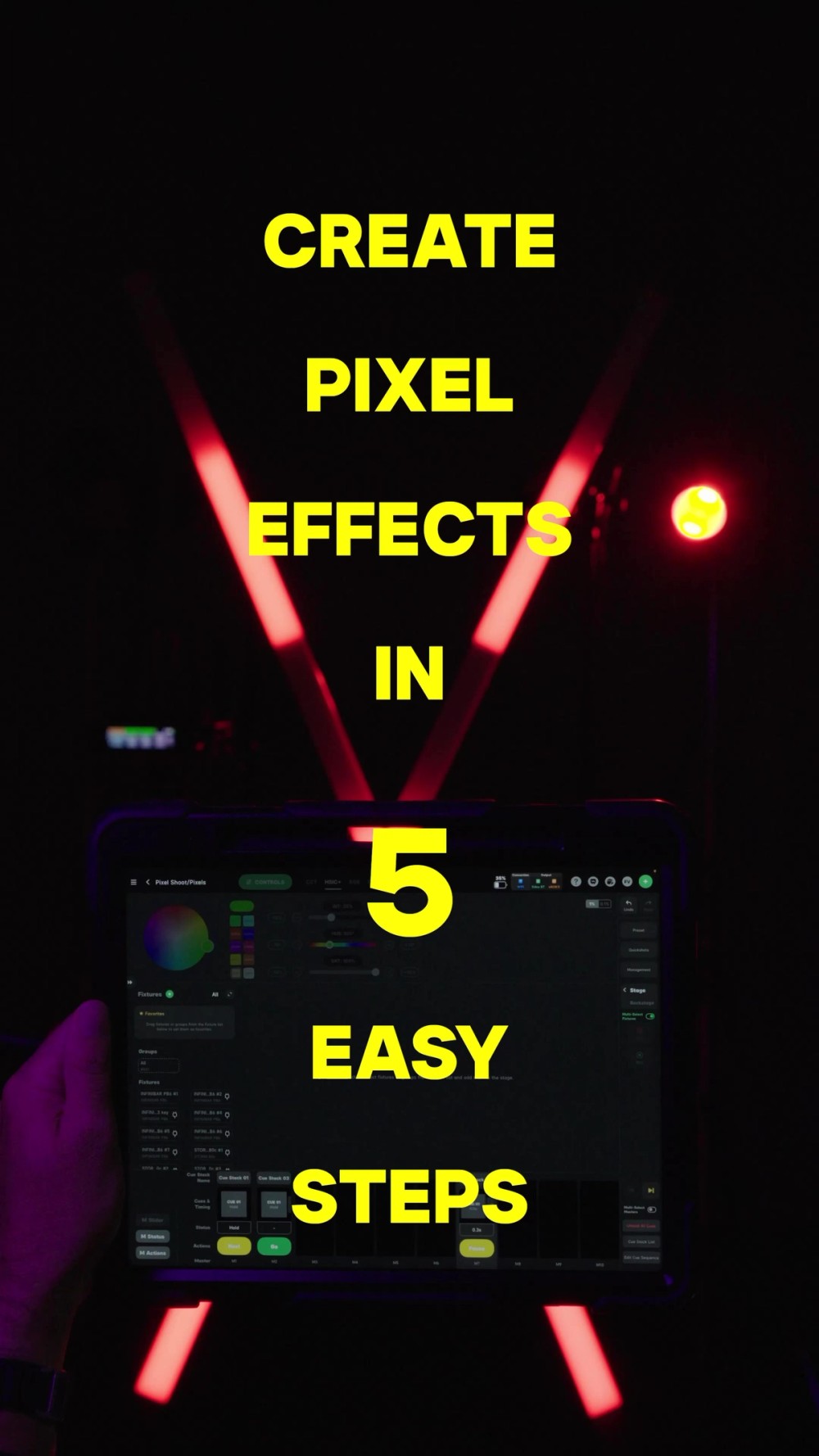
Use pixel selection shortcuts, invert, and then Cue Sequence to create coordinated pixel effects across multiple fixtures
Automatically Create Color Gradients Across Pixel Lights
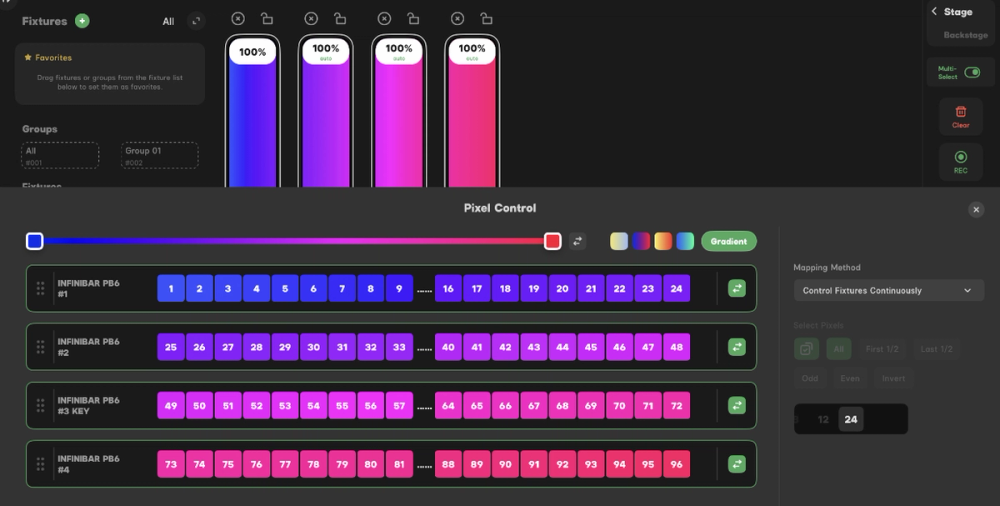
Select the pixels you want to control, choose Gradient, then set the colors at each end. Sidus Link Pro automatically fills the transition between them.
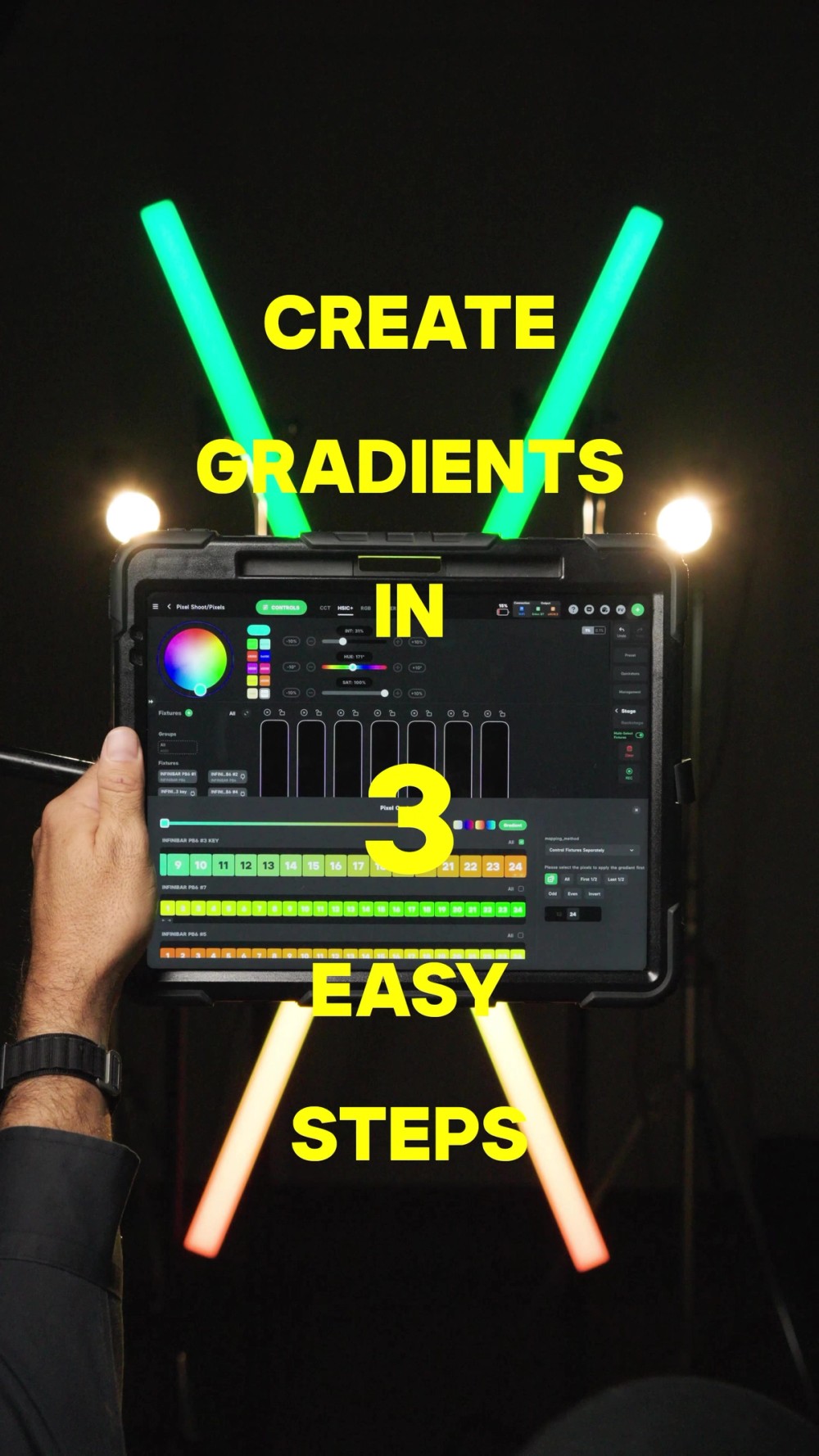
Select the pixels you want to control, choose Gradient, and then set the colors at each end
Sidus Link Pro 2.4.2 Additional Improvements
Favorite Your Most-Used DMX Profiles
You can now Favorite a DMX Profile and use Show Favorites Only to quickly find the profiles you use most.
For more information, click here for the release notes.