What Is Action Panel?
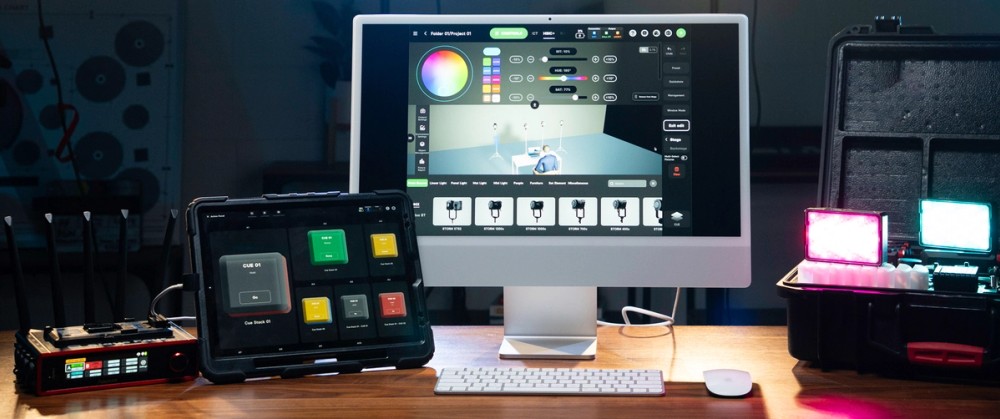
Action Panel is a dedicated full-screen view that turns your cues and Quickshots into big, customizable “Go” buttons for fast, confident execution. Assign your Cue Masters (multi-step commands) to buttons, choose their size, and fire them at exactly the right moment. With an optional passcode lock, Action Panel makes it easy to hand control to a client, operator, or venue team. With Action Panel, anyone can trigger the right cue, effect, or house light at exactly the right moment.
Solving the Gap Between Advanced DMX Control and Everyday Operation
Action Panel bridges advanced DMX programming and everyday operation by turning complex setups into a simple control surface anyone can use. Integrators, studio owners, and experienced programmers can build the full DMX setup, assign only the controls a client or venue team needs, and optionally lock the view with a passcode to prevent exposing the full programming interface. This creates a safe handoff that lets operators run the show confidently.
Eyes on the Talent, Finger on the “Go” Button.
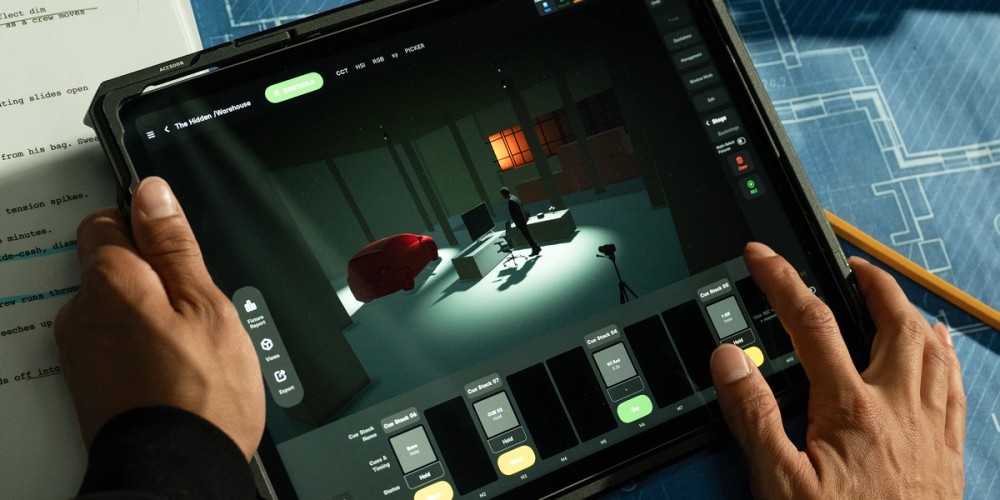
Action Panel is also designed to give gaffers, directors, and small crews an easy way to run lighting changes without constantly looking down at an iPad screen.
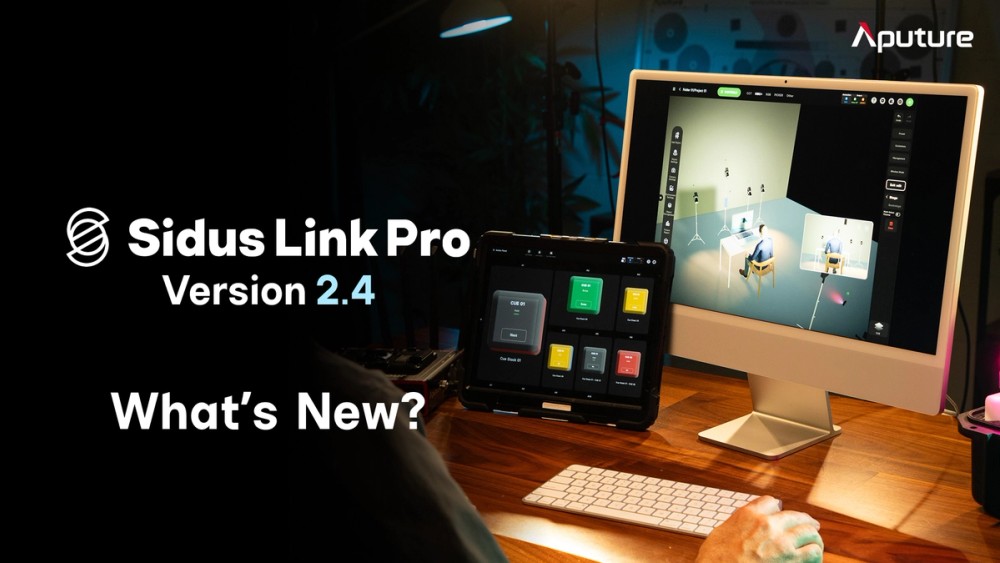
Design on Mac, Run the Show on iPad
You asked, we listened. Sidus Link Pro 2.4 brings your full lighting workflow into one connected app across your Mac and iPad devices.
Plan, design, and refine your lighting system comfortably on Mac with more screen space and keyboard-and-mouse precision. Move through key planning tools like Diagram Master, 3D Visualizer, and Fixture View with more comfort, speed, and control.
When it’s time to execute, grab your iPad, head to set, and press “Go” from Action Panel.
Powerful, Accessible Networked Lighting Control
Sidus Link Pro brings professional networked lighting control into a more flexible, accessible workflow. By combining the app with Sidus One and/or Sidus Four hardware, users can design and manage hardwired DMX systems and multi-universe networks without the cost or complexity of a traditional console-based setup.
For integrators, studio owners, and production teams, this is a complete pro lighting workflow at a fraction of traditional costs. Design the system, manage the network, and hand off operation from one connected Sidus ecosystem.
Easy Handoff for Clients and Venue Teams
For installed spaces, rental studios, and client-operated environments, the challenge is not just building a powerful lighting control system, it is making that system simple enough for someone else to operate confidently.
With Action Panel, integrators can program the full DMX setup, then give end users a clean, simple control surface with only the actions they need. Common looks like Interview, B-Roll, Talent Cross, Bright Kitchen, or House Lights can live on big, simple “Go” buttons, while the technical controls stay protected behind a 6-digit passcode.
For clients, that means “simply press Go.” For integrators and studio owners, it means safer handoffs, fewer accidental changes, fewer support calls, and a lighting control system that feels powerful, scalable, and easy to manage.
Speed at Your Fingertips With Keyboard Shortcuts
Pair any Bluetooth or smart keyboard with your iPad, or use your keyboard on Mac, to control Sidus Link Pro the way a programmer’s hands expect: type, don’t tap. Use keyboard shortcuts to jump between Stage, Cue Stacks, Layout View, and 3D Visualizer, then edit, label, and fire cues directly from the keys. Try Space to fire the next cue, F to find a fixture, E to edit the active cue, or ⌘+Z to undo (now 200 steps deep).
Open the Keyboard Shortcuts PDF
Sidus Link Pro 2.4 Additional Improvements
Quickshots on Masters
Quickshots can now be assigned to Cue Masters and triggered from Action Panel buttons. This allows for easy triggering alongside cues. For users running Bluetooth fixtures, this is the long-requested upgrade: Quickshots and cues on the same execution surface.
For more information, click here for the release notes.