Sidus Link Pro 2.2 Introduces Layout View
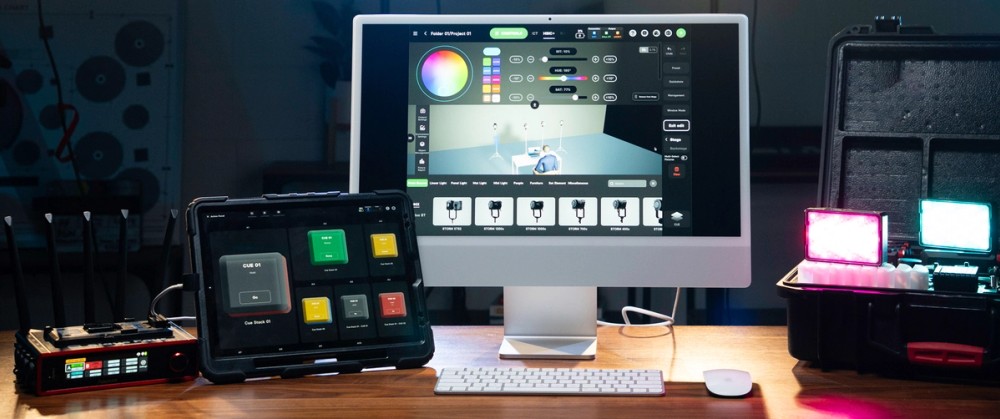
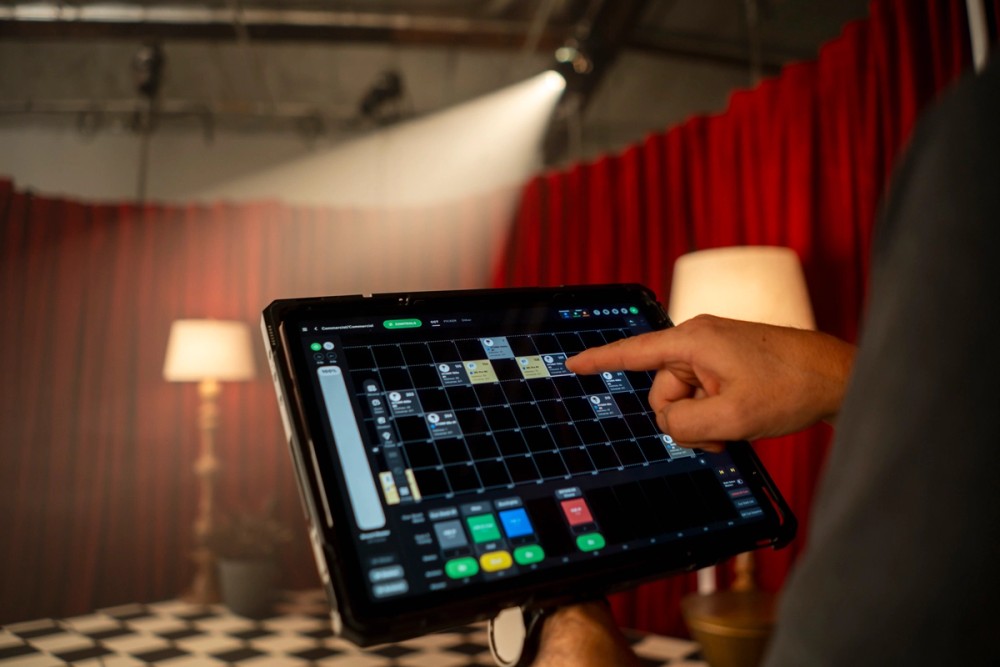
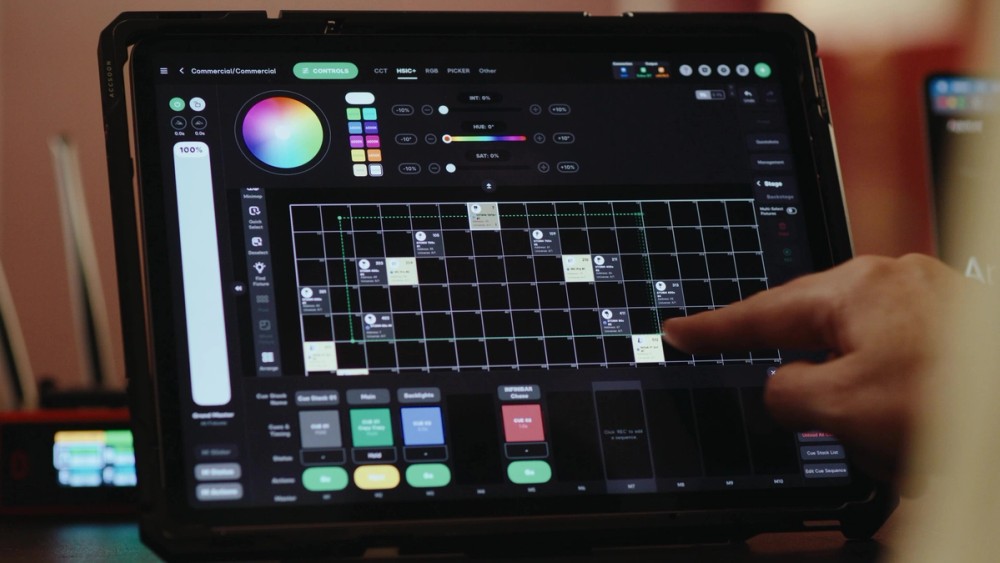
Layout View is a new visual control mode in Sidus Link Pro that lets users arrange their fixtures in a grid matching their physical set. Rather than scrolling through a list and trying to remember which fixture is which, you can place lights based on where they actually live on set and access them visually.
Layout View was designed to speed up control, reduce selection errors, and give users more confident operation by making the right fixture easier to find and control.
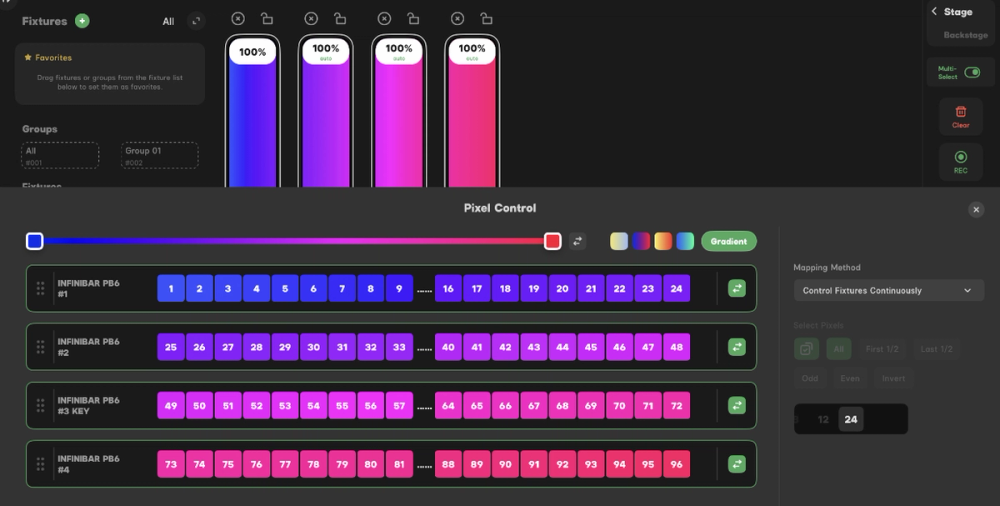
This feature builds on Sidus Link Pro’s already powerful control engine by adding spatial context and enhancing cueing workflows. In Pro and MAX, Layout View expands to support realtime visual preview during cue playback and pixel control directly in layout, making it easier to see and manage what is happening across your rig in real time.
Free plan
Layout View is available to all Sidus Link Pro users using Sidus Bluetooth connected Aputure and amaran lights.
Features include:
- Control of Sidus Bluetooth connected Aputure and amaran lights
- 100 x 100 spatial grid for organizing your lights like they are laid out on your set
- Instant visual feedback of light values within the layout grid
Pro and MAX plan
For more advanced lighting environments, Pro and MAX subscribers can expand Layout View to include DMX/CRMX controlled fixtures and pixelated lighting fixtures.
Features include:
- Control of any DMX/CRMX fixture and control of Sidus Bluetooth connected Aputure and amaran lights
- 100 x 100 spatial grid for organizing your lights like they are laid out on your set
- Instant visual feedback of light values within the layout grid, including when running cues
- Light status indicators showing control source: stage or cue
- Individual pixel control on compatible lights
Sidus Link Pro 2.2 Additional Improvements and Bug Fixes
Sidus Link Pro 2.2 also introduces several workflow improvements and expanded capabilities to the Pro and MAX Plans:
INFINIBAR Auto-Patch and Auto-Configure now available
Automatically set up your INFINIBAR fixtures faster using Auto-Patch and Auto-Configure, when upgraded to Firmware V2.1, launching alongside Sidus Link Pro 2.2.
DMX settings in one menu
All DMX-related functions are now centralized in the Connections Management Menu, making DMX management faster and easier.
Expanded 16-bit precision
Achieve smoother adjustments and patch a wider range of professional lighting fixtures with new 16-bit DMX support for Variable, Strobe, Constant, and Control channels.
For more information, click here for the release notes.