Explore Your Vision in 3D
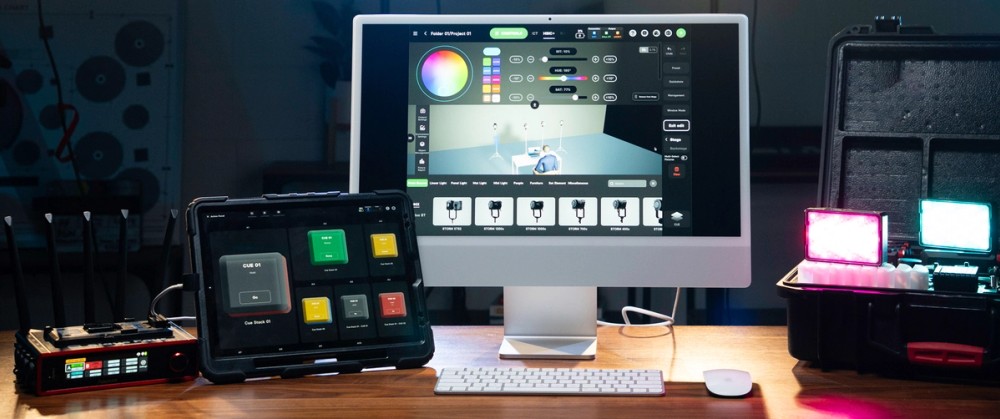
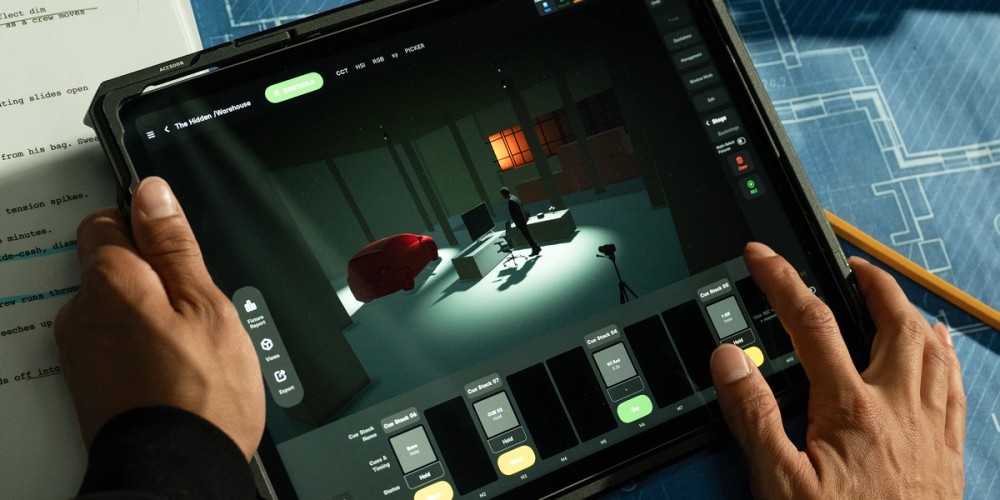
3D Visualizer is a virtual planning environment that lets you create spaces, place lights, and design looks before production begins. It is designed to make previs more practical for everyday production. With 3D visualization built directly into the control workflow, you can plan, refine, and execute in one connected process.
Intuitive Previs and Control in One Workflow
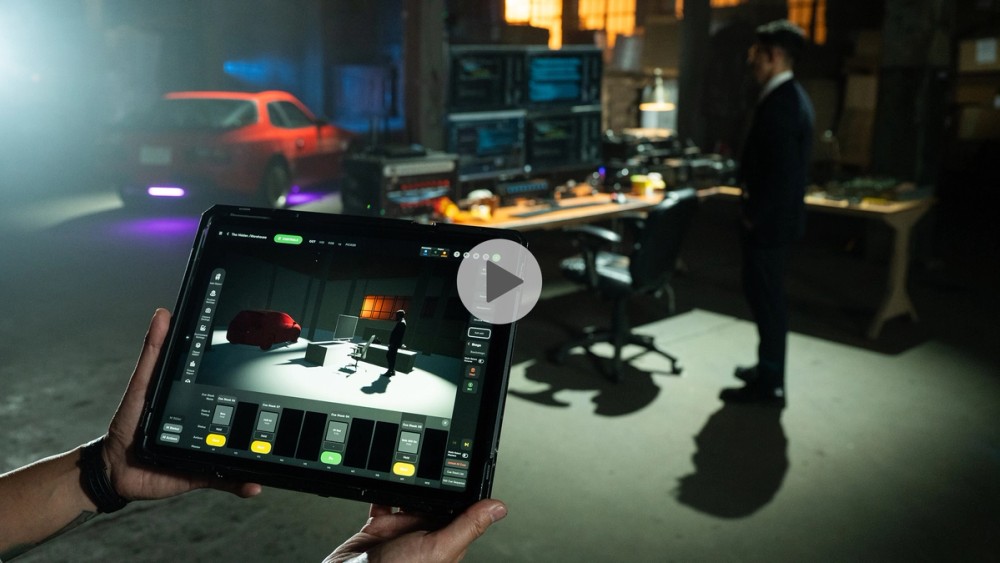
3D Visualizer is built directly into Sidus Link Pro’s control workflow, not a separate system with its own setup, license, or learning curve. There is no handoff between the planning tool and the control tool, they're the same tool. Fixtures patched in the app appear in the visualizer automatically, cues built in 3D are the same cues you can run on set, and DMX settings configured during planning carry through into execution.
More Accessible 3D Previs for Everyday Production
Until now, 3D previs has largely lived in expensive desktop software or high-end consoles. Sidus Link Pro brings powerful 3D visualization and fixture control together in one intuitive, touch-based workflow, making previs more practical and accessible for everyday production. With taps and drags, you can try different looks and bring your vision into production with greater ease. Access 3D Visualizer in the Pro plan for $10 a month or $100 a year (save $20 a year). Upgrade to MAX to add 4 universes of control.
More Creative Freedom
3D Visualizer makes creative exploration and iteration easier, helping teams explore more options and arrive on set with a clearer plan. Try different fixtures, reposition key lights, adjust color temperatures, and design and preview cues before anything is rigged. By making experimentation easier earlier in the process, 3D Visualizer gives you more freedom to compare ideas, make bolder choices, and arrive at stronger creative decisions before production begins.
A Pre-Production Tool for the Whole Team
3D Visualizer is especially valuable for teams that need to execute more efficiently on set and align on creative decisions early. It is not just a tool for the gaffer. Directors, DPs, and production designers can use it to plan and communicate the look, mood, and fixture placement before the crew loads in.
Sidus Link Pro 2.3 Additional Improvements and Bug Fixes
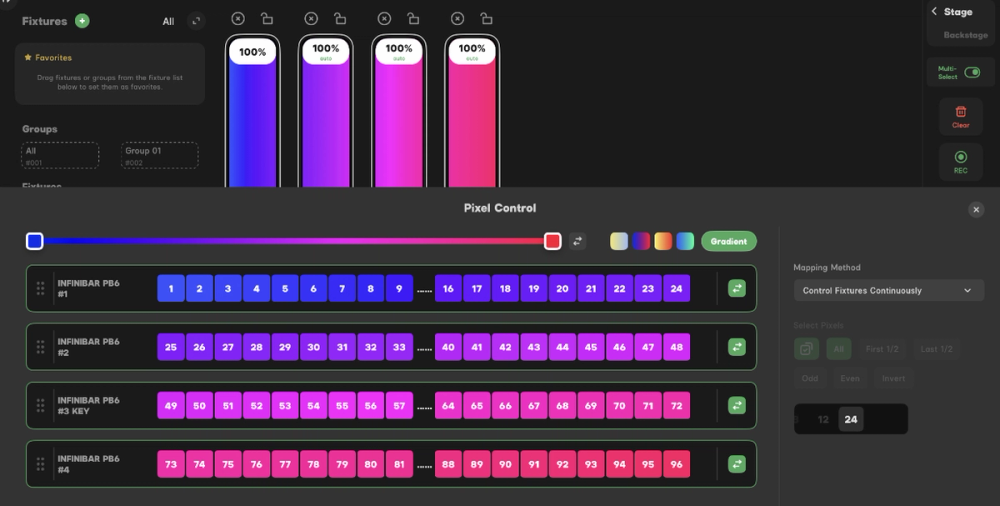
INFINIMAT Auto-Patch and Auto-Configure now available
Automatically set up your INFINIMAT fixtures faster using Auto-Patch and Auto-Configure, when upgraded to Firmware V1.4.
Cue editing enhancements
Cue editing now includes the full set of tools available in Stage, creating a more unified programming experience.
For more information, click here for the release notes.