Skip to content
Aputure
Enhanced Pixel Tools app screen

What’s New in Sidus Link Pro 2.4.2? Enhanced Pixel Tools

September 22, 2026by Ben Dynice

Sidus Link Pro 2.4.2 introduces Enhanced Pixel Tools: more flexible control across multiple pixelated fixtures, faster pixel selection, and gradient fills. Pixel control is available in the Pro plan for $10/month (because pixel control is DMX only), with MAX adding support for 4 universes of control.

Enhanced Pixel Tools are new controls in Sidus Link Pro 2.4.2 designed to make programming pixelated fixtures faster. This includes:

  • Press, hold, and drag selection
  • Shortcuts for all, odd, even, first half, second half, and inverted selections
  • Automatic color gradients
  • Control Fixtures Together / Separately / Continuously toggle for multiple selected pixelated fixtures
  • Customizable pixel layout support in DMX Profile Building for INFINIMATs

For fixtures with many individually controllable pixels, that means fewer repetitive selections and less manual programming when building gradients, patterns, and effects across one or multiple lights.

Enhanced Pixel Tools support pixelated fixtures including INFINIBAR, NOVA 9°, and INFINIMAT. Pixel control is available in the Pro plan for $10/month (because pixel control is DMX only), with MAX adding support for 4 universes of control.

Faster Pixel Selection Using Shortcuts

Sidus Link Pro 2.4.2 adds new shortcuts for selecting pixels, including:

  • All
  • Odd
  • Even
  • First half
  • Second half
  • Invert

You can also press, hold, and drag to quickly create custom pixel selections.

These tools make it easier to build alternating colors, repeating patterns, and other pixel effects without selecting every pixel manually.

Control Multiple Pixel Fixtures Together, Separately, and Continuously

When multiple pixelated fixtures are selected, a new Control Fixtures Together / Separately / Continuously toggle gives you more control over how edits are applied.

  • Control Fixtures Together mirrors the same pixel changes across every selected fixture
  • Control Fixtures Separately lets you program pixelated fixtures independently
  • Control Fixtures Continuously allows for one total gradient across multiple fixtures

Combined with tools like Invert Selection and Cue Sequence, this makes it faster to build coordinated pixel effects across multiple lights.
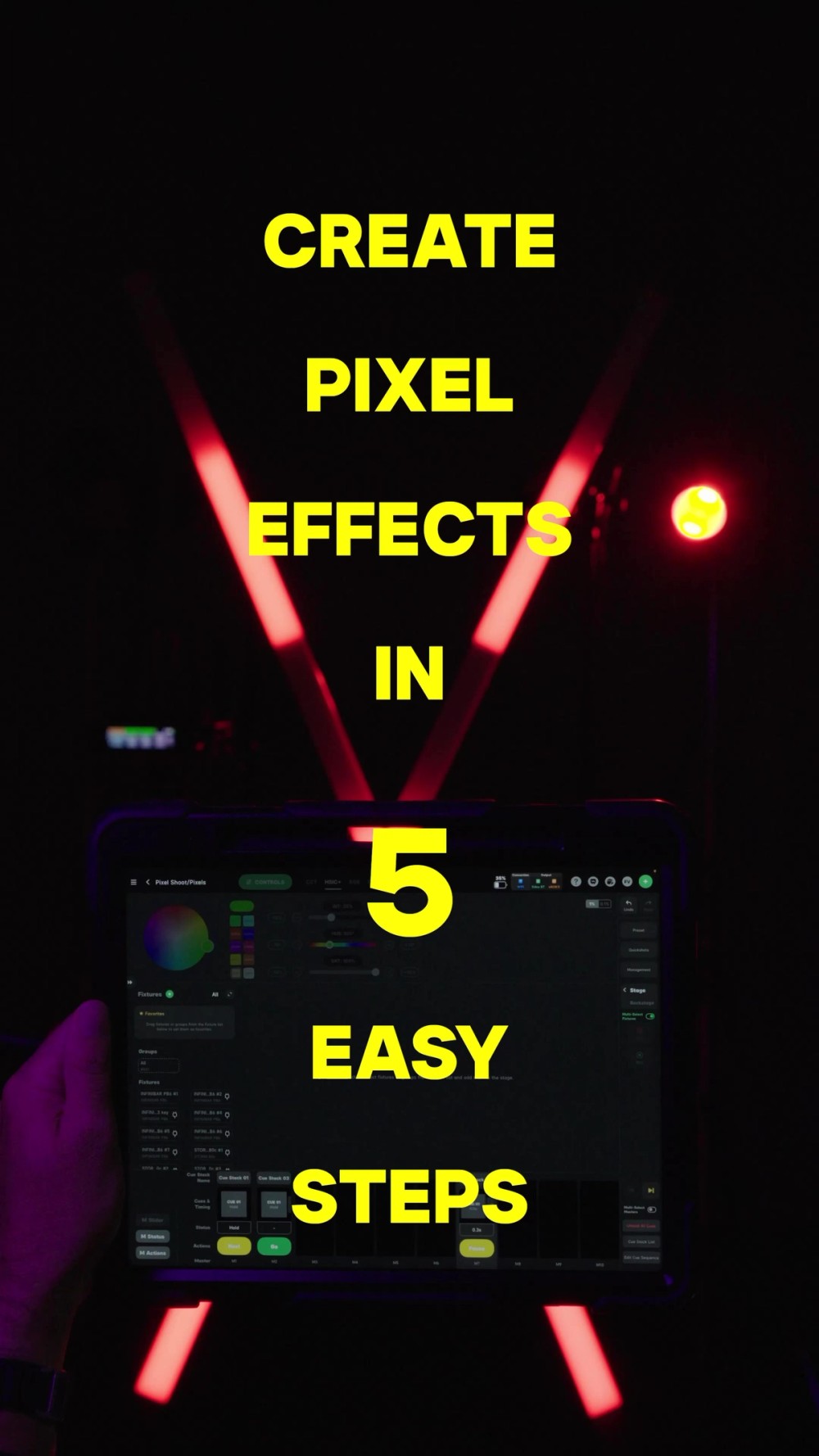
How to control pixels across multiple fixtures

Use pixel selection shortcuts, invert, and then Cue Sequence to create coordinated pixel effects across multiple fixtures

Automatically Create Color Gradients Across Pixel Lights

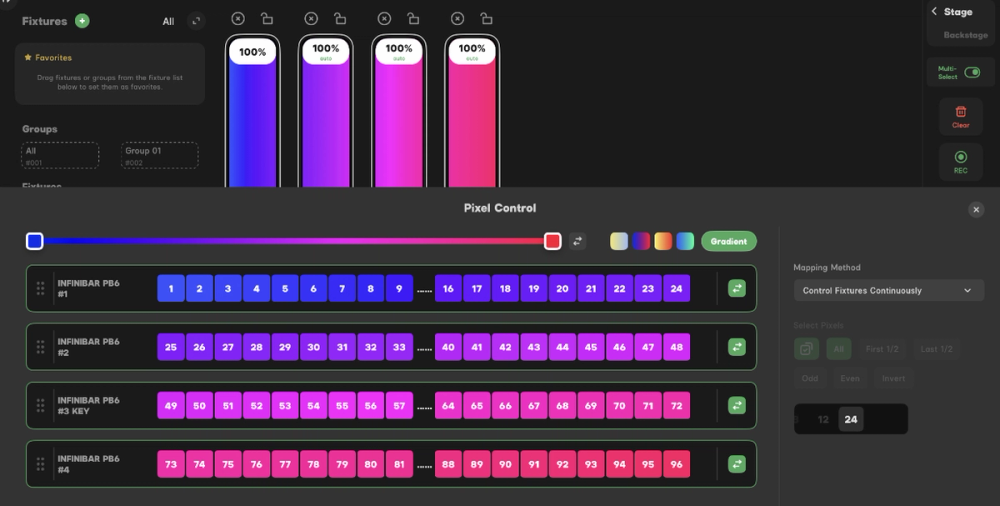
Select the pixels you want to control, choose Gradient, then set the colors at each end. Sidus Link Pro automatically fills the transition between them.
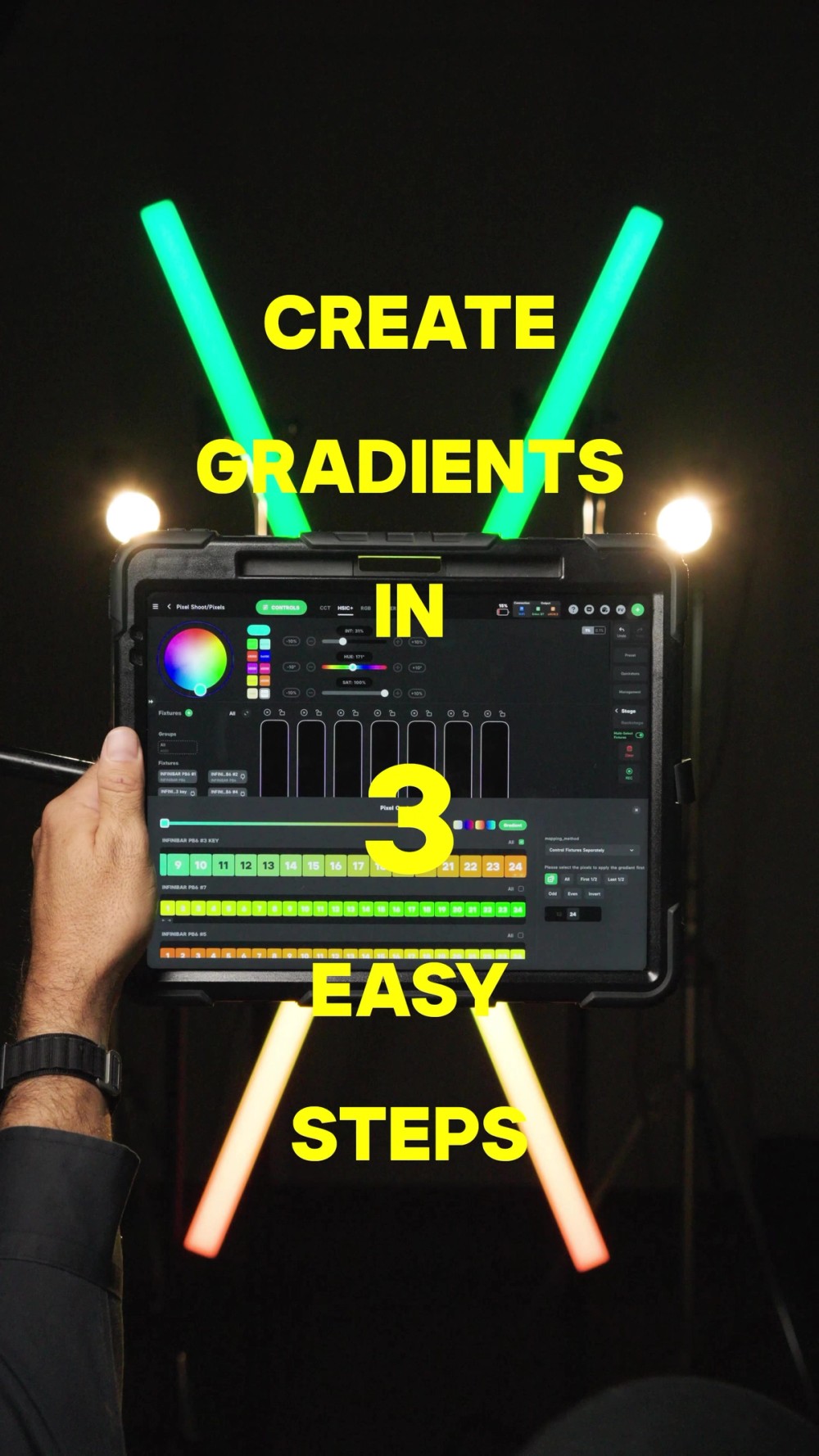
How to create color gradients on pixel lights

Select the pixels you want to control, choose Gradient, and then set the colors at each end

Sidus Link Pro 2.4.2 Additional Improvements

Favorite Your Most-Used DMX Profiles

You can now Favorite a DMX Profile and use Show Favorites Only to quickly find the profiles you use most.

For more information, click here for the release notes.

Download for iPad and Mac


Ben Dynice

Benjamin Dynice is the Director of Product: UX/UI at Aputure Lighting, leading innovation in professional LED lighting control for film and television. An IATSE Local 728 Lighting Programmer and ICLS member, he worked on major films for Marvel and DC, as well as projects for Apple, Nike, and Samsung. An Unreal Fellowship Alumni for ICVFX, he has advanced lighting and color control in virtual production. At Aputure, he leads Sidus Link Pro and continues to shape the future of lighting technology for filmmakers worldwide.

Recommended Products
Sidus Four

Four universe CRMX transmitter and DMX node with built-in wireless router

$2,490
INFINIBAR PB12 4-Light Kit

4 INFINIBAR 4ft pixel bars in protective hard case

$2,790
INFINIBAR PB6 4-Light Kit

4 INFINIBAR 2ft pixel bars in protective hard case

$2,590
NOVA 9° 2x1

650W tunable white hyper narrow beam panel light

$3,690
More From Aputure
Pinkbox Studio
How Pinkbox Studios Upgraded Their Cyc With NOVA II 1x1s and Saved $10,000

Pinkbox Studios’ co-founders share how they upgraded the 30' prelit cyclorama at their small production studio in Los Angeles with NOVA II 1x1s and a Sidus One. The new setup delivered better light quality and control, and saved $10,000.

Small Production Studio
Behind The Scenes
Sidus App Ecosystem
NOVA II
Color
Action Panel app screen
What’s New in Sidus Link Pro 2.4?

Sidus Link Pro 2.4 introduces Action Panel, a dedicated full-screen view that turns your cues and Quickshots into big, customizable “Go” buttons for fast, confident execution. With an optional passcode lock, Action Panel makes it easy to hand control to a client, operator, or venue team. Action Panel is available in the Pro plan for $10/month, with MAX adding support for 4 universes of control. Plus, Sidus Link Pro is now available on Mac!

Sidus App Ecosystem
Vet Life ad
“Every Shoot Is a Puzzle”: A Guide to Videography Lighting With Tom Shaw

How to build your lighting kit and think about lighting on client shoots with the globetrotting cinematographer.

How To
Videography and Corporate
Aputure STORM
Sidus App Ecosystem
3D Visualizer app screen
What’s New in Sidus Link Pro 2.3?

Sidus Link Pro 2.3 introduces 3D Visualizer, a 3D environment for planning, previewing, and refining your lighting setup before stepping on set. Build your scene with lights, characters, and props, configure DMX settings, and design and preview cues in advance, then carry those decisions directly into production. 3D Visualizer is available in the Pro plan for $10/month, with MAX adding support for 4 universes of control.

Sidus App Ecosystem