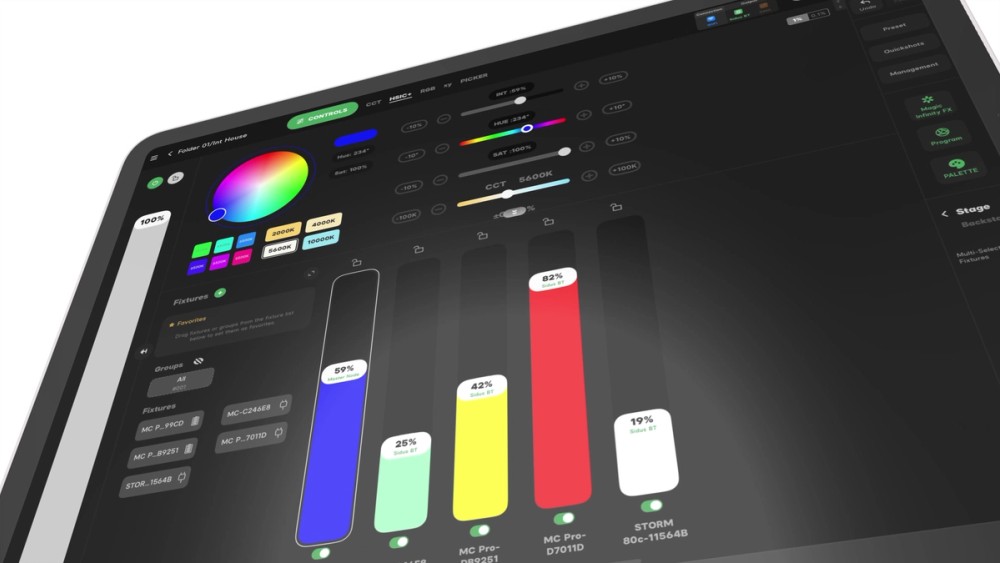
Sidus Features
Explore all the features available in the Sidus Link app ecosystem.
Free Bluetooth Features
Control all your Aputure and amaran lights with Bluetooth. All Bluetooth features are free on Sidus Link Mobile and Sidus Link Pro.
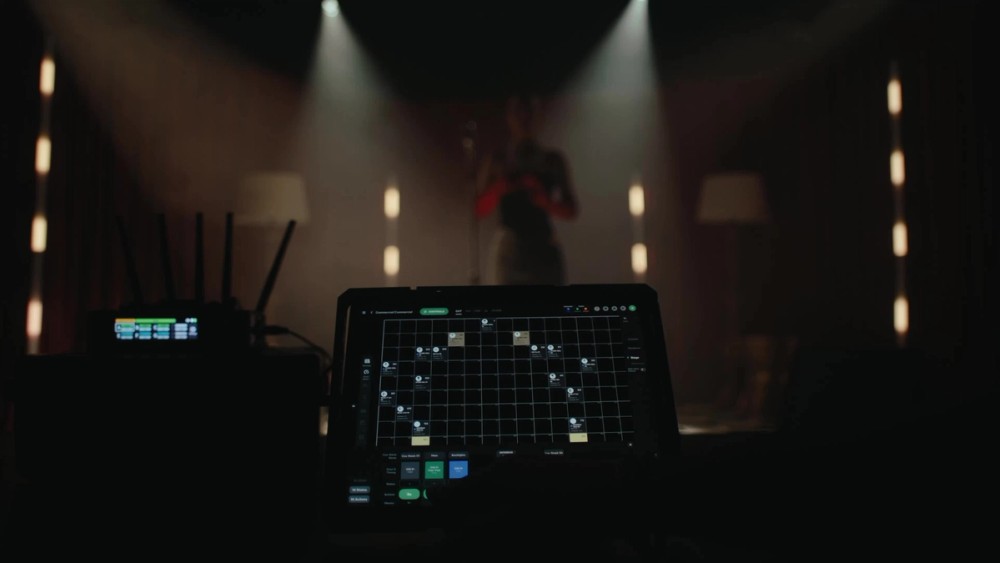
Layout View
A visual grid that lets you organize fixtures to match your real-world set, giving all Sidus Link Pro users faster and more intuitive light organization, selection, control, and realtime visual preview of your lighting changes.
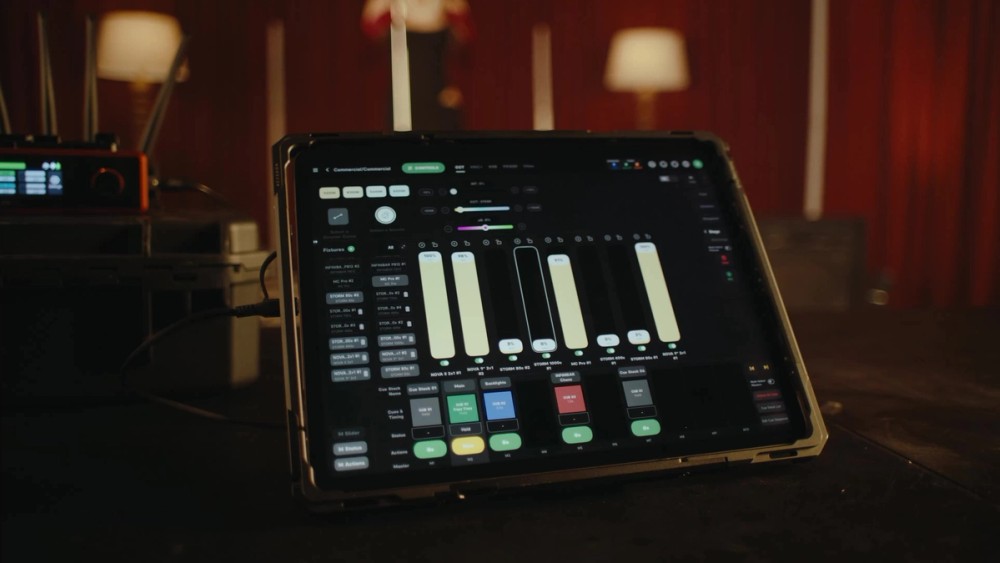
Slider-Based Fixture Control (Workstation View on Mobile)
Adjust a fixture's brightness, color temperature, and hue.
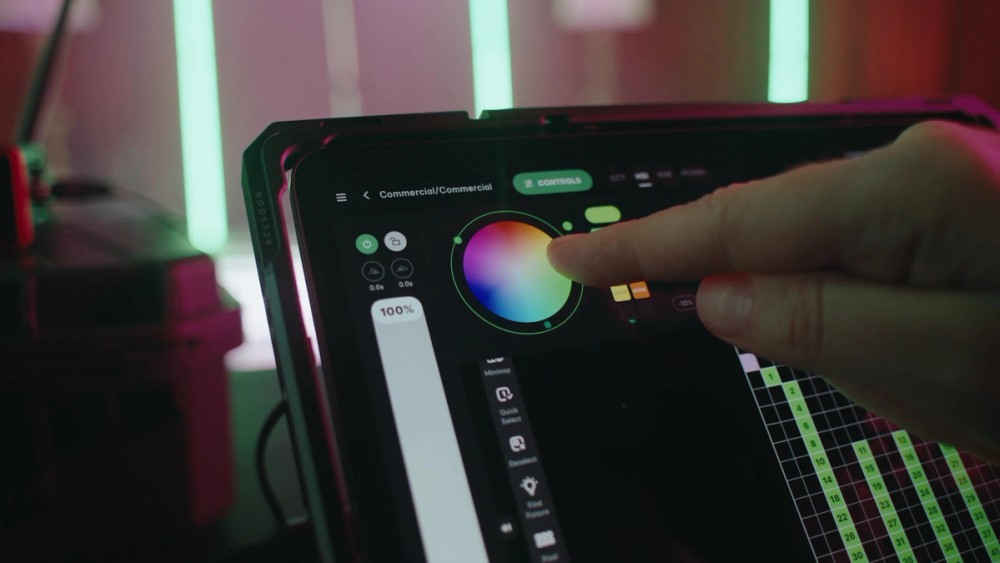
Color Engines
Dial in the perfect tone with industry-standard color selection methods like CCT, HSI, CCT RGB, x,y, and HSIC+. Use specialized tools like Palettes, Gel Mode, and Color Picker.
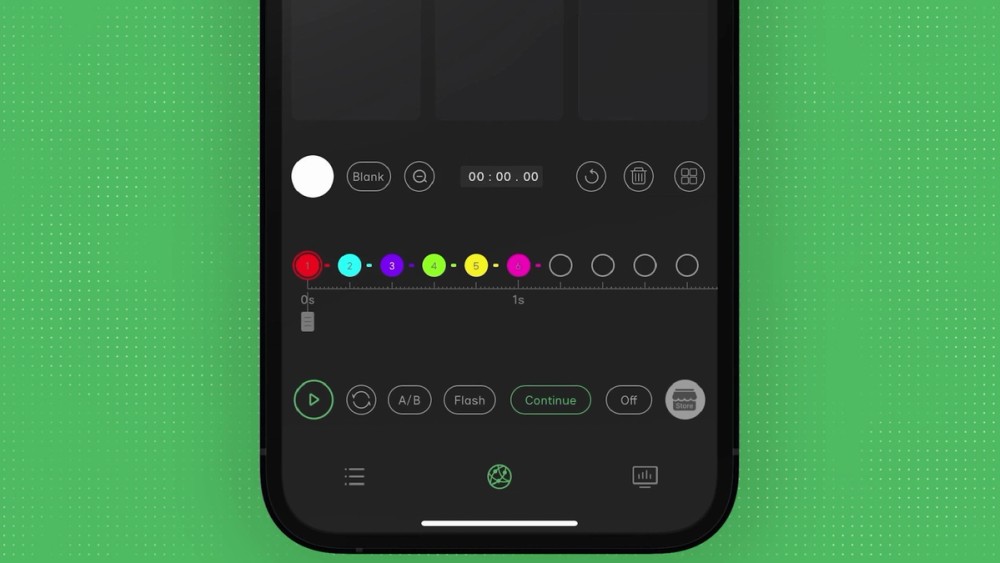
Magic Program Go and Pro
Program quick and impactful chases.
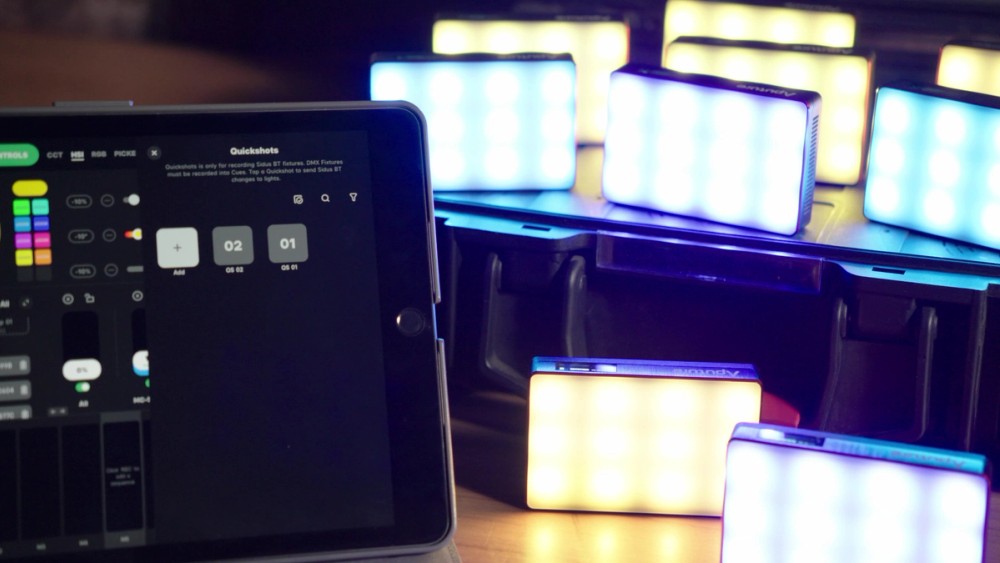
Quickshots
Save and recall saved lighting looks.
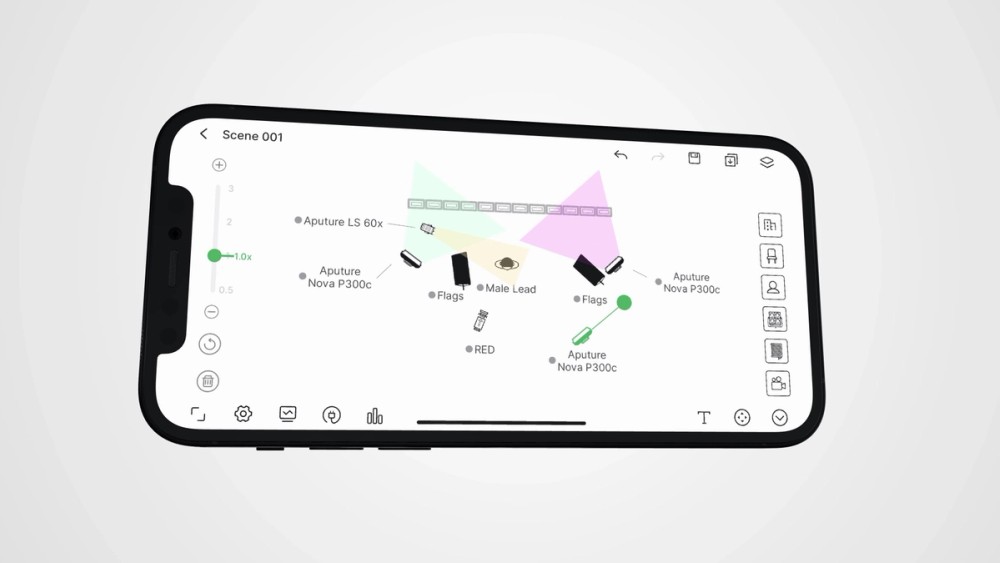
Diagram Master
Create and share light plots and plan power use.
Magic Infinity FX
Design pixel-level lighting effects for INFINIBARs.
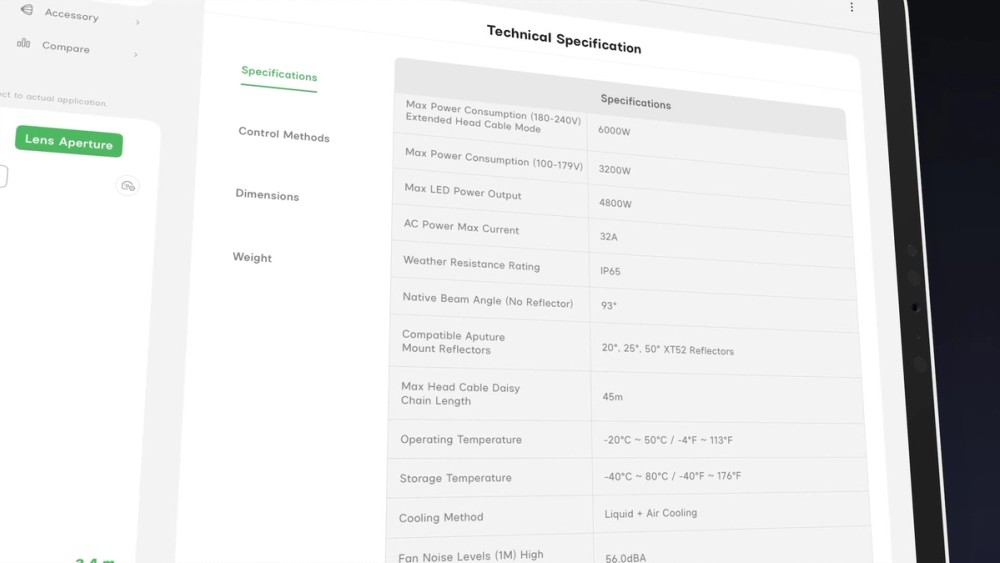
Illumination Handbook
A quick reference output guide for Aputure lamps. Calculate output, CCT range by distance, and more.
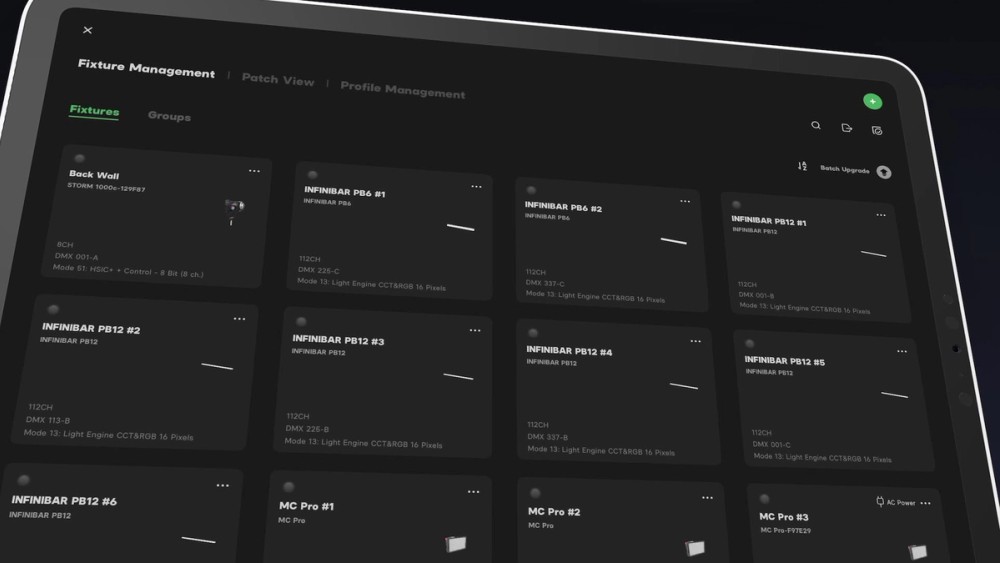
Fixture Manager (Only on iPad)
Auto-Configure, monitor fixtures, and update Aputure light firmware in this management tool, with or without a subscription.
Advanced Features
Upgrade to the Pro or MAX plan in Sidus Link Pro to gain access to advanced features like DMX and CRMX control, cue playback, and multi-universe support for professional workflows.
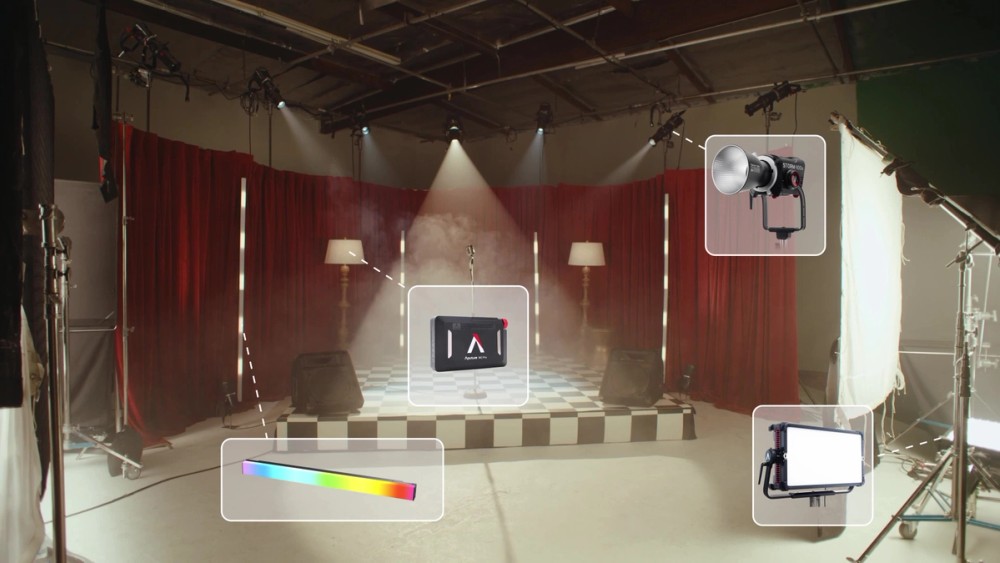
Compatible With Everything
Pair Sidus Link Pro with industry-standard hardware, including CRMX transmitters, nodes, and switches.
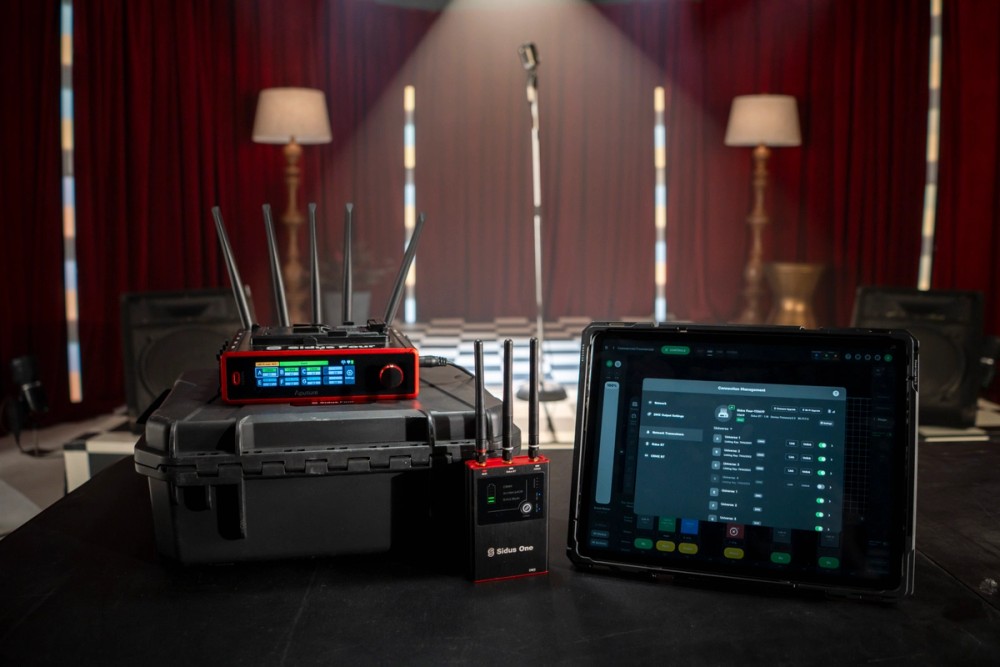
Deep Integration With Sidus Hardware
Sidus Link Pro works better when paired with Sidus Four and Sidus One, with added functionality like real-time feedback and remote configuration.
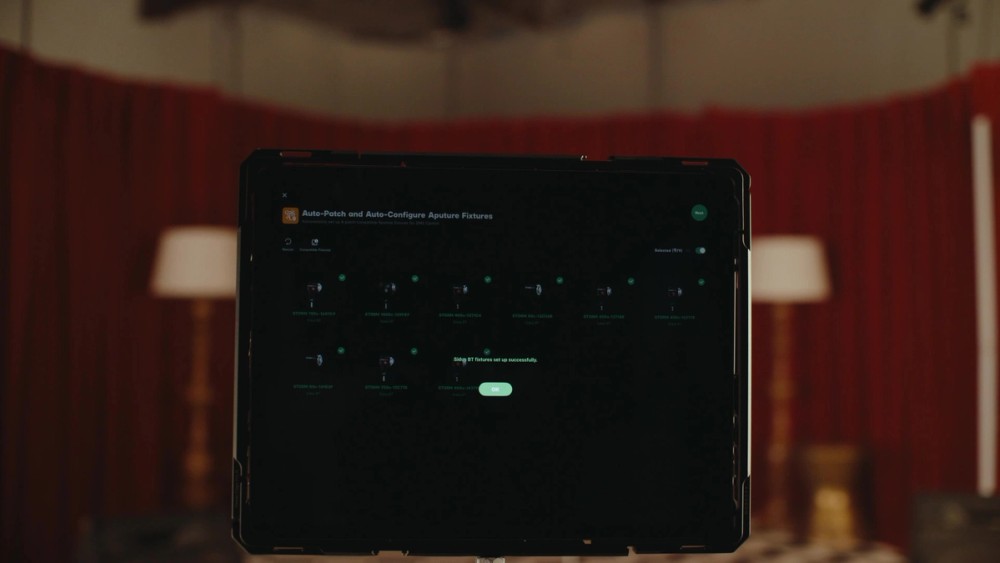
Auto-Patching
Skip the setup grind. Automatically detect your Aputure lights and reduce your setup by up to hundreds of steps. Add lights for control within Sidus Link Pro or send configurations to major consoles.
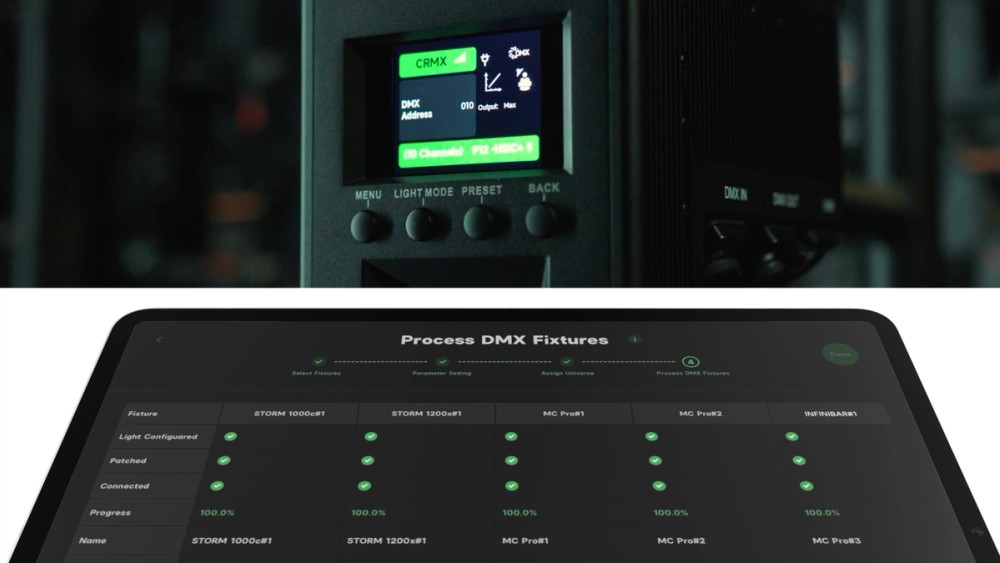
Auto-Configuration
Easily change your fixture settings and DMX profiles, including on third-party controllers.
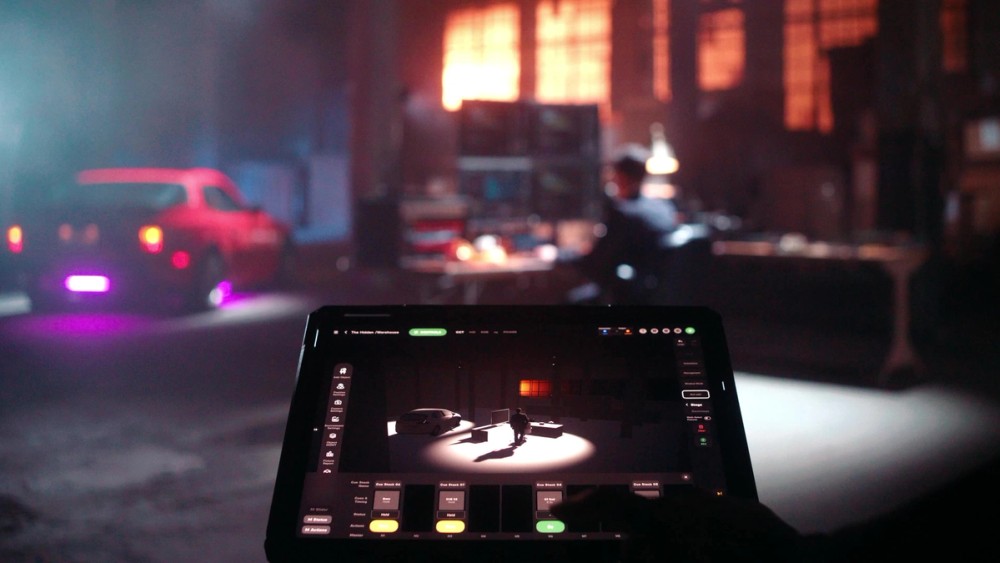
3D Visualizer
A 3D environment for planning, previewing, and refining your lighting setup before stepping on set. Build your scene with lights, characters, and props, configure DMX settings, and design and preview cues in advance, then carry those decisions directly into production.
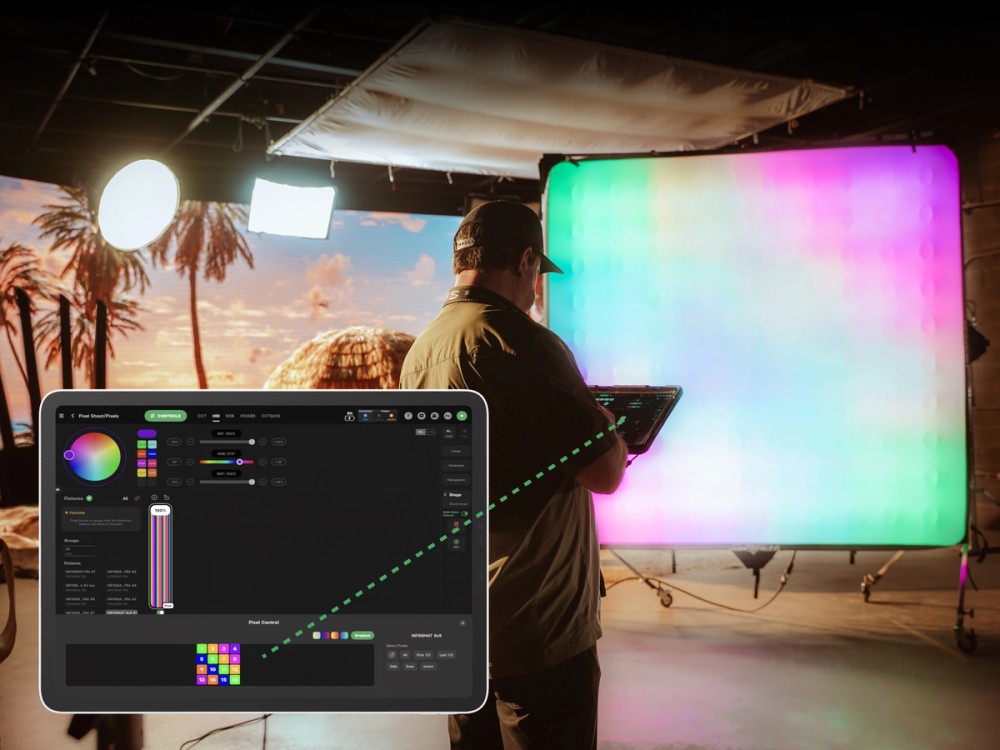
Enhanced Pixel Control
Dial in individual pixels on compatible fixtures, including INFINIBAR, NOVA 9°, INFINIMAT, and lights from third parties. Enhanced Pixel Control adds the ability to control multiple pixelated fixtures together or separately, faster pixel selection, and gradient fills, making it easier to build multi-fixture effects like sky gradients, chases, and visual effects.
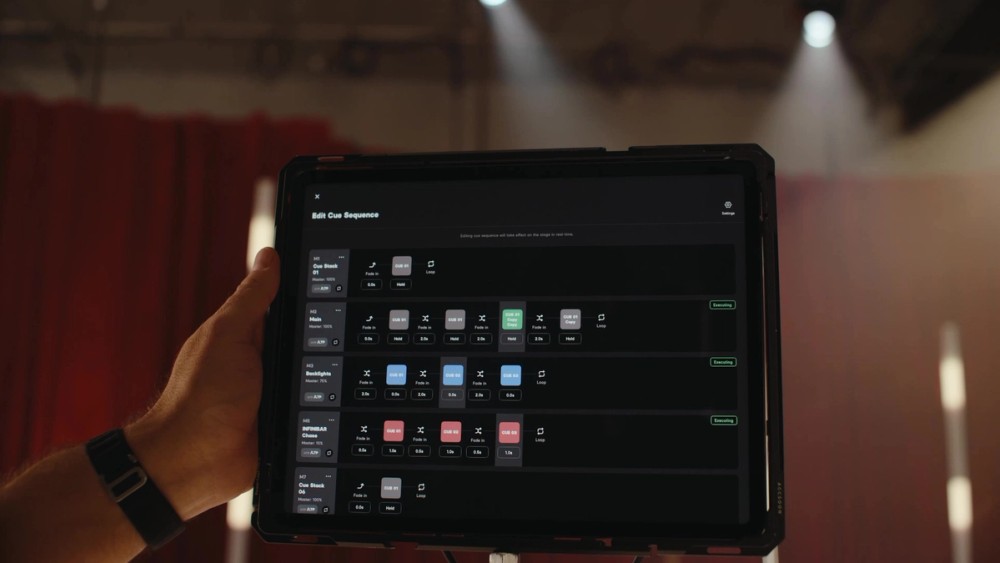
Cue Sequence Editor
A visual editor for your cue stacks. Create transitions, loops, adjust timing, and move cues between stacks easily.
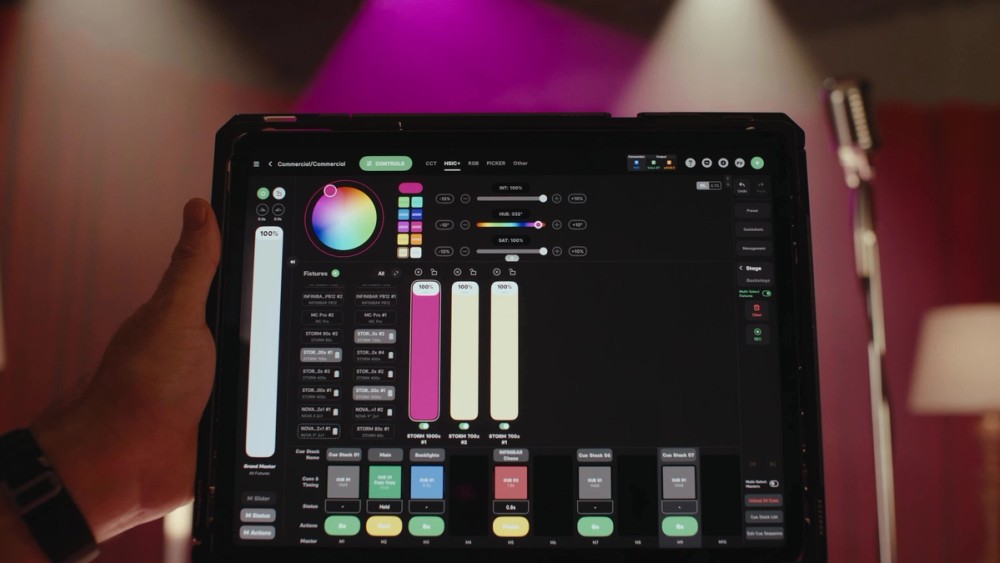
Backstage Workspace
Preview changes before taking them live.
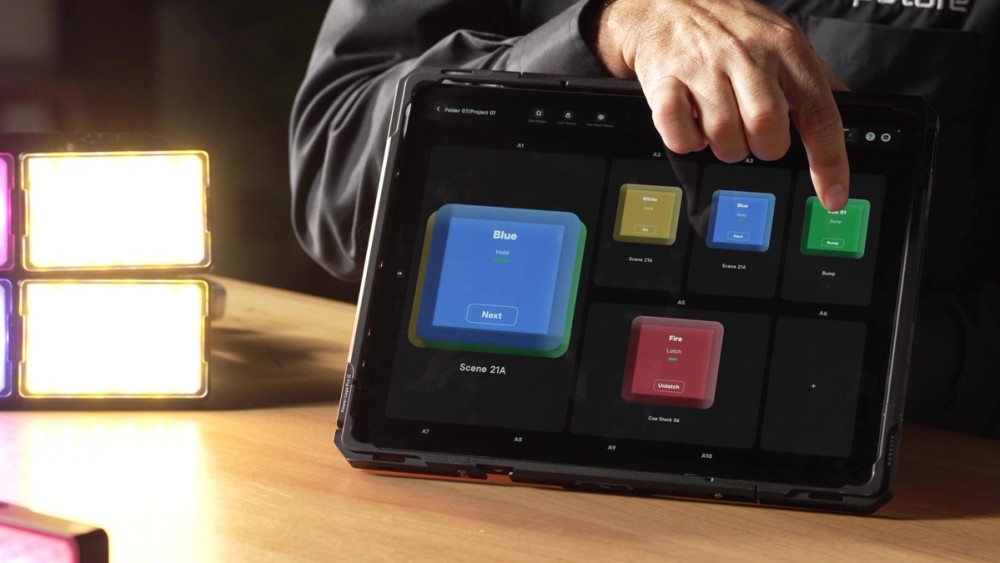
Action Panel
A dedicated full-screen view that turns your cues and Quickshots into big, customizable “Go” buttons for fast, confident execution. With an optional passcode lock, Action Panel makes it easy to hand control to a client, operator, or venue team.
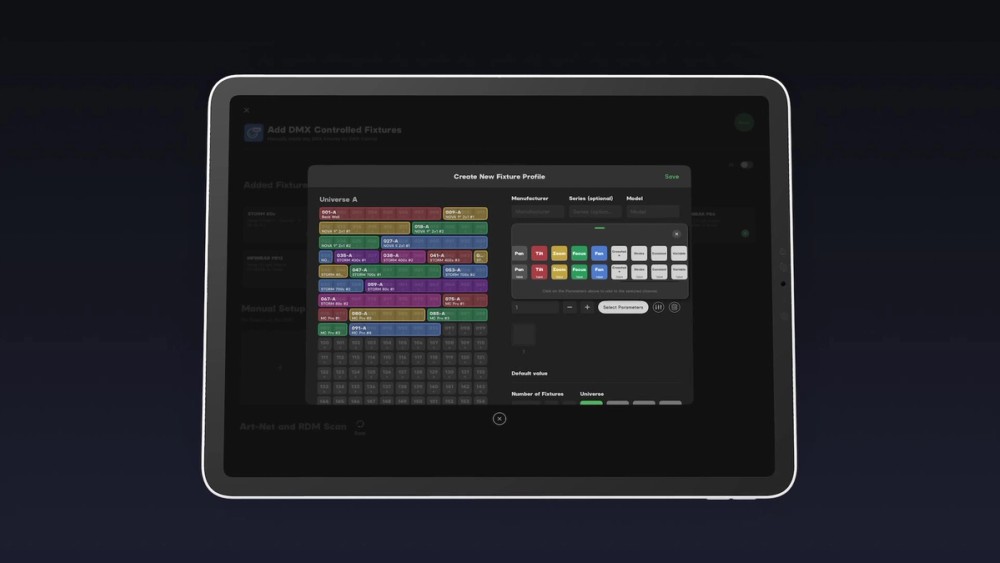
DMX Parameters
Access industry-wide DMX parameters for controlling professional fixtures, like CCT, +/- Green, Pan and Tilt, and Variable Crossfade.
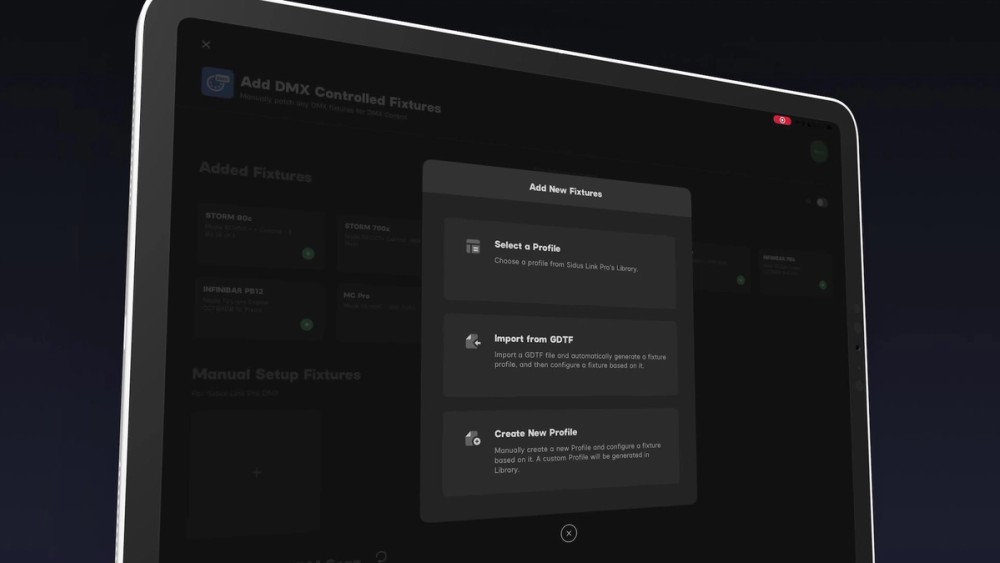
DMX Profile Tools
Access profiles via the built-in library, quickly import GDTF profiles, and create your own with the DMX Profile Creator with Variable Parameters.
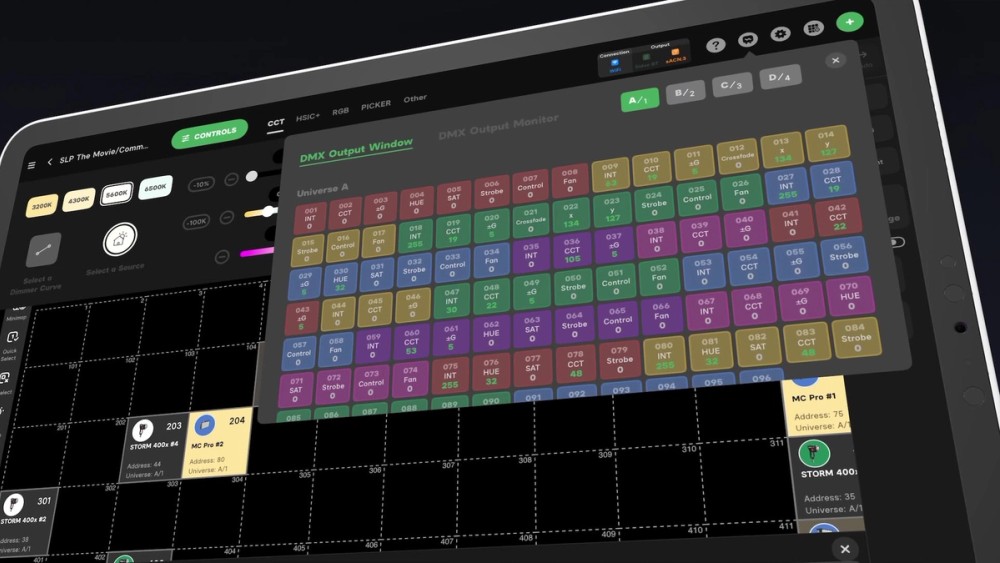
DMX Output Window
See what your lights are doing at a glance.
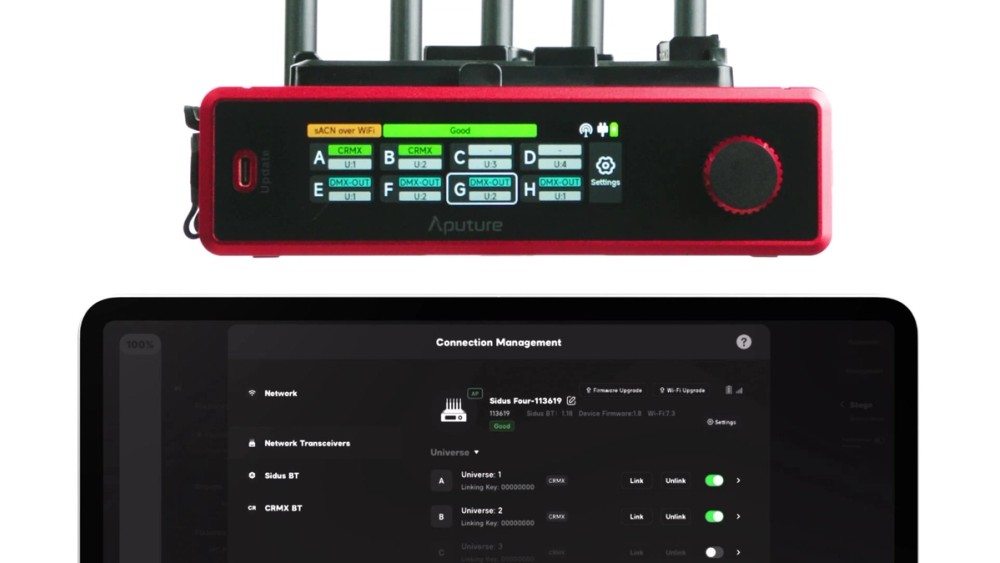
Real-Time Network Health Alerts
Monitor your network live with Sidus hardware, including Universe status, power, and other alerts. Get alerts in your workspace when connections drop, or Sidus Four switches to battery backup.
What Are You Waiting For?
Try Sidus Link Pro.